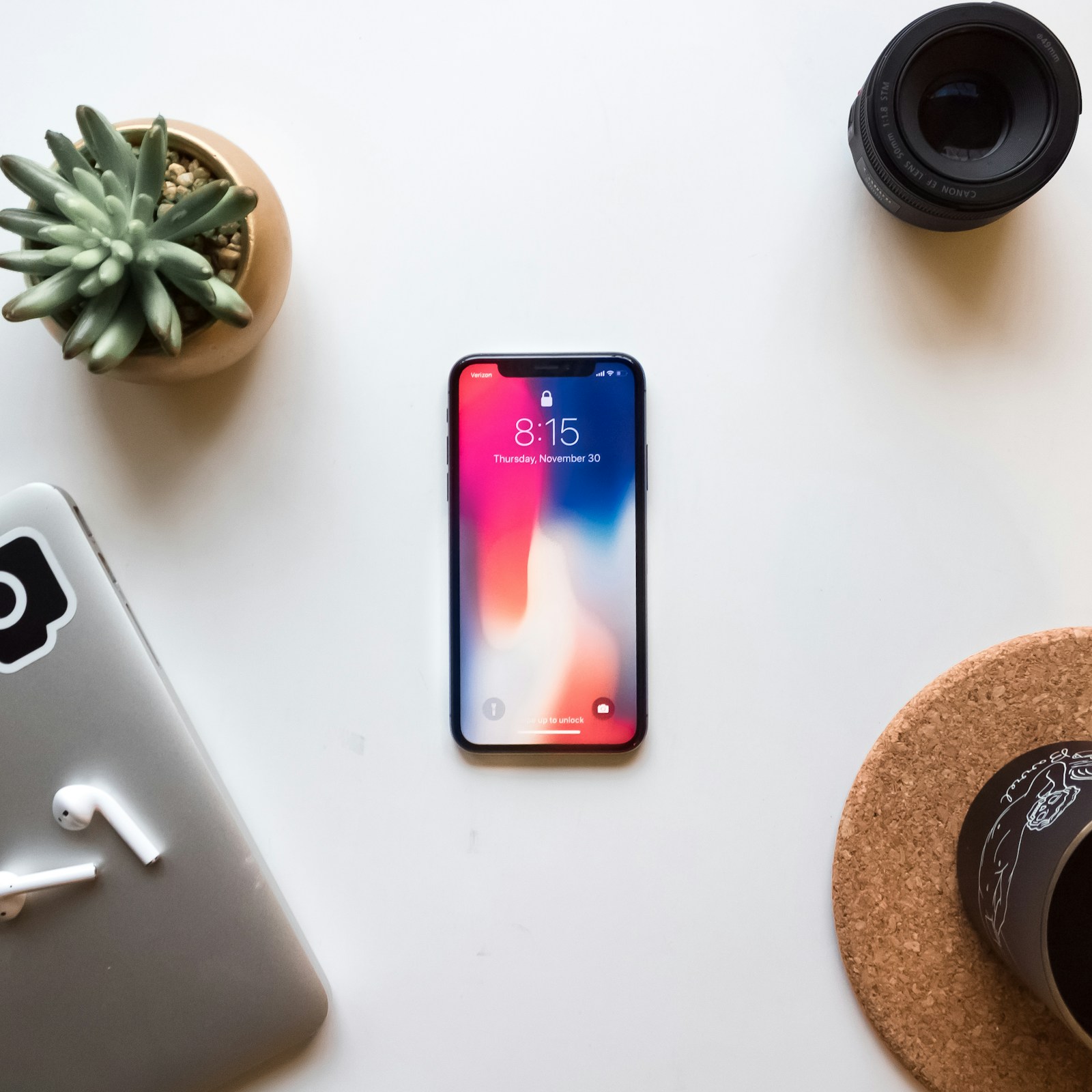
The Best Way to Clean Your iPhone (Without Damaging It): A Complete Guide + On-the-Go Tips for Professionals
Your iPhone is one of the most-used tools you own. It’s your camera, your email client, your calendar, your GPS, your showing scheduler, your transaction lifeline, your marketing machine… and in real estate, it’s basically your portable office.
But here’s the part most people ignore: your iPhone is also one of the dirtiest things you touch all day.
As a real estate broker, in between open houses, client meetings, door handles, lockboxes, coffee runs, elevator buttons, public bathrooms, and constant handling, your phone quietly collects fingerprints, oils, makeup residue, dust, and bacteria, then you bring it back to your face, your car, your desk, and your home.
If you’re someone who uses their phone constantly, cleaning your iPhone properly isn’t just about making it look pretty. It’s about hygiene, longevity, resale value, and keeping your device functioning the way it should.
This guide breaks down the best way to clean your iPhone safely, what products to avoid, the right technique to prevent damage, and quick on-the-go cleaning habits for agents who are always moving.
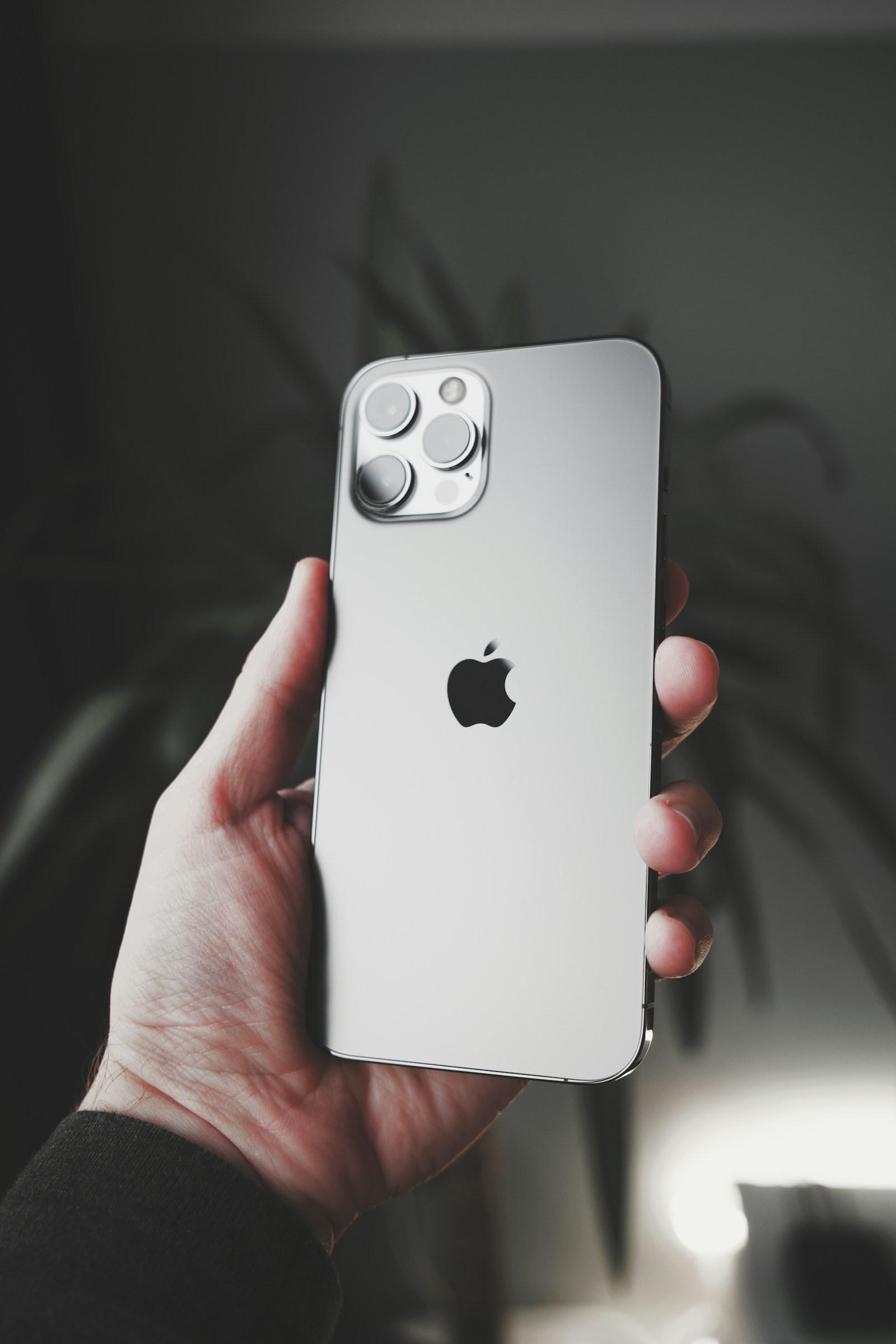
Why You Should Clean Your iPhone Regularly
Certain occupations, like real estate agents (myself included), touch more surfaces in a single day than the average person. Think about the routine:
Opening and closing doors repeatedly
Handling keys
Using shared pens
Visiting friends & family homes
Touching public stair rails, cabinets, appliances, and faucets
Taking photos & videos outside the home
Handing your phone to others for photos, video etc.
Your iPhone becomes a “hub” for all those germs and grime. But even if you’re not worried about germs, dirt causes real, practical problems:
1) It affects your screen clarity (and your content)
Smudges and oily buildup reduce screen visibility and make your videos and photos look worse when you review them.
2) It can damage your phone’s finish over time
Apple devices are designed with protective coatings and materials that can degrade if you use the wrong cleaners or scrub too hard. Apple specifically warns against harsh household cleaning products and abrasives.
3) It can impact charging and speaker performance
Lint and debris buildup in the charging port and speaker grilles can lead to connection issues or muffled audio, both of which can be a nightmare when you’re taking calls from clients.
4) It protects your investment
Even if you never sell your phone, keeping it clean helps preserve the device’s condition and lifespan. And if you do trade it in, a clean, scratch-free phone typically holds its value better.
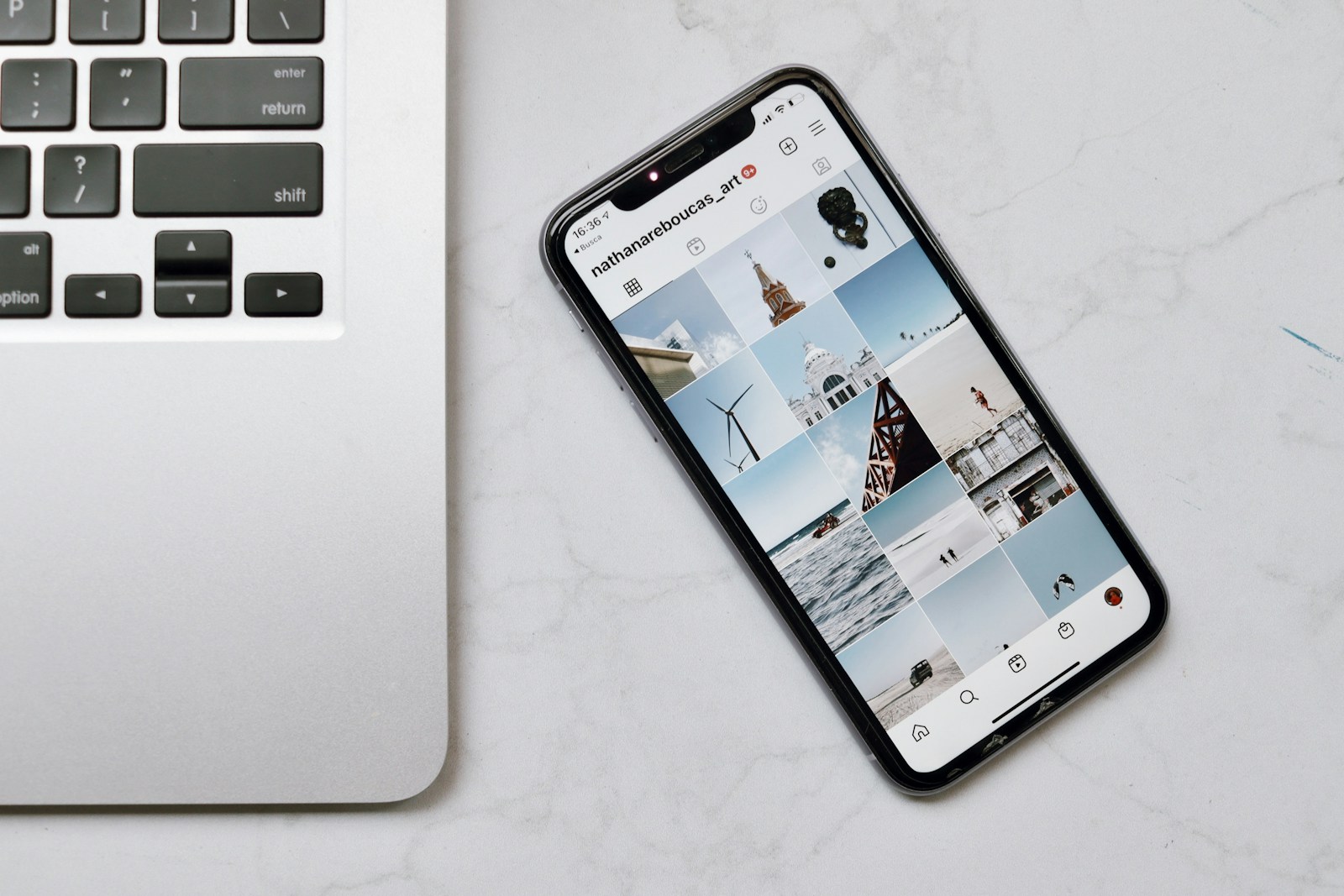
Before You Start: What Apple Says Is Safe (and What to Avoid)
When cleaning any iPhone model, Apple’s guidance is clear:
✅ Use a soft, lint-free cloth (like a microfiber cloth).
✅ You can use a slightly damp cloth (water only) for general cleaning.
✅ For disinfection, Apple allows gently wiping exterior surfaces using:
70% isopropyl alcohol, or
75% ethyl alcohol, or
Certain disinfecting wipes (used carefully)
…and you must avoid getting moisture into openings.
Note: Don’t spray or pour alcohol directly onto your phone. Instead, spray or lightly dampen a soft, lint-free cloth and use it to wipe down your device.
Here are links to the products I use to clean my phones:
Microfibre clothes > «Click Here»
4L Bottle 70% isopropyl alcohol > «Click Here»
300ml Bottle 70% isopropyl alcohol > «Click Here»
75% alcohol wipes > «Click Here»
Apple also warns not to use:
❌ Window cleaners
❌ Household cleaners
❌ Compressed air
❌ Aerosol sprays
❌ Solvents, ammonia
❌ Abrasives
❌ Cleaners containing hydrogen peroxide (unless specifically part of approved disinfecting instructions)
This matters because your iPhone screen has an oleophobic coating designed to resist fingerprints and oils, and harsh chemicals or abrasives can wear it down faster.
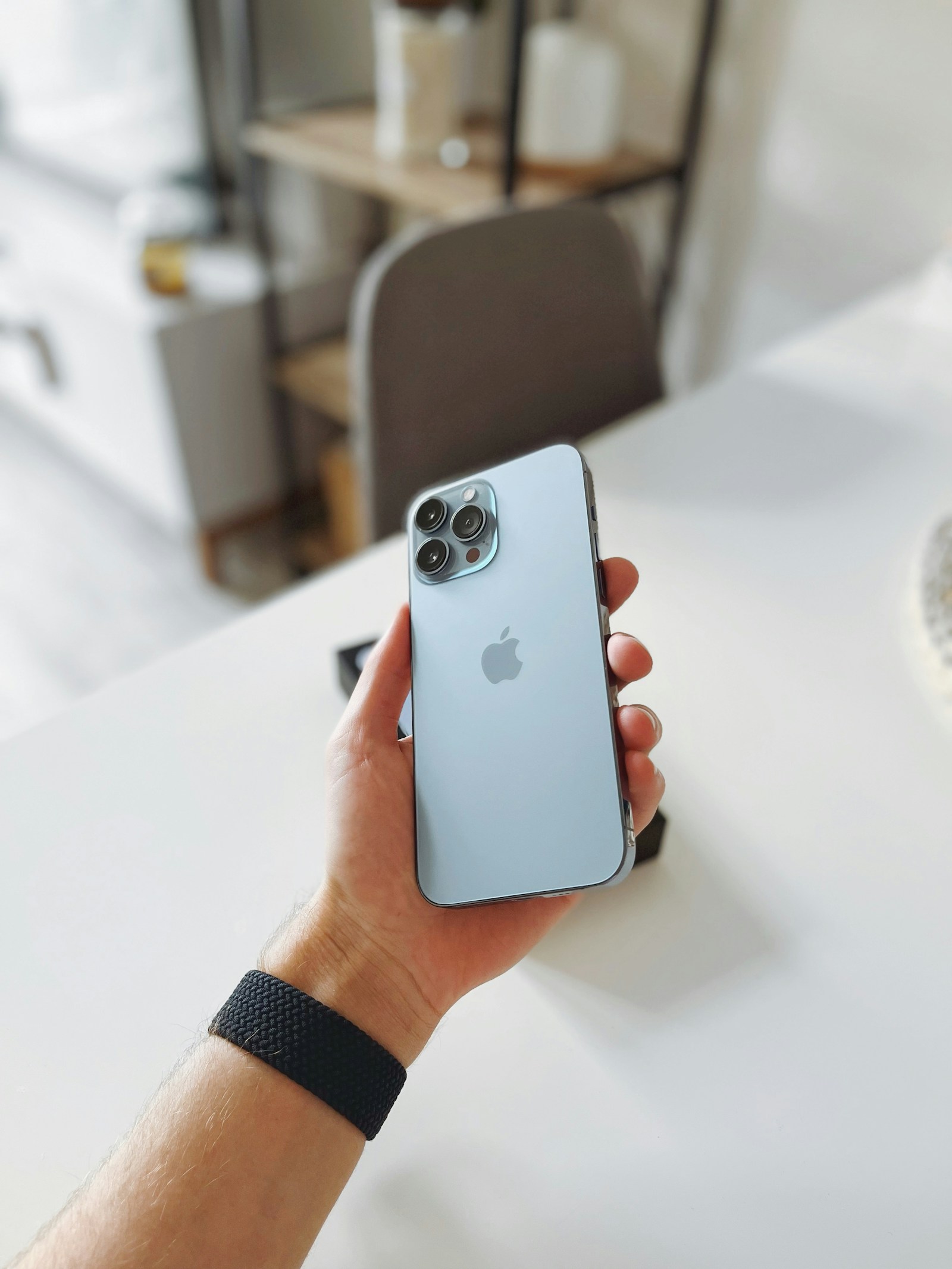
The Best Way to Clean Your iPhone (Step-by-Step)
If you want the safest and most effective iPhone cleaning routine, this is the method that covers hygiene and appearance without damaging the phone.
Step 1: Turn your iPhone off and unplug it
Before you wipe anything down, power it off and unplug charging cables. Apple recommends turning off the device before cleaning.
Why it matters:
It prevents accidental taps
It reduces risk of electrical issues if moisture is involved
It helps you see smudges more clearly on a dark screen
Step 2: Remove your case and clean the phone separately
Your iPhone case holds onto oil, dirt, makeup, and pocket lint. If you only clean the phone screen but keep a dirty case on it, you’re basically undoing your effort.
Take the case off and set it aside.
Step 3: Use a dry microfiber cloth first (don’t skip this)
Before you introduce any moisture or disinfectant, wipe down the phone with a clean microfiber cloth.
This step removes:
Dust and grit (which can cause micro-scratches)
Surface oils
Fingerprints
Pro tip: Use gentle pressure. Rubbing harder doesn’t make it cleaner; it just increases your chances of damaging the coating.
Step 4: For deeper cleaning, slightly dampen the cloth (water only)
If your phone has sticky spots or visible grime, lightly dampen a corner of the microfiber cloth with water.
Important:
The cloth should be slightly damp, not wet
Never spray water directly onto the phone
Keep moisture away from charging ports, speakers, and buttons
Apple’s guidance is to avoid moisture getting into openings.
Wipe gently, then immediately buff dry with a clean part of the cloth.
Step 5: If you want to disinfect, use a safe alcohol wipe (the right way)
If you’re cleaning your phone after:
visiting a restaurant or public space,
shaking hands or touching many door handles,
public transit,
handing your phone to someone,
being sick,
or using a public restroom,
…then disinfection makes sense.
The most commonly recommended safe option for electronics is alcohol-based wipes at 70%-75% concentration, which multiple public health resources also reference when manufacturer guidance allows it.
How to do it properly:
Use a 70% isopropyl alcohol wipe (or 75% ethyl alcohol wipe)
Gently wipe the front, back, and sides
Avoid the ports and speaker openings
Let it air dry completely (usually fast)
Do not overdo it. Disinfecting constantly, multiple times per day, can wear surfaces down faster over the long term. Use it when needed—not compulsively.
Step 6: Clean the camera lenses carefully
As a real estate professional, this is one of the most important parts.
A slightly dirty camera lens can ruin:
photos
videos
FaceTime calls
Use a clean microfiber cloth and lightly wipe the lens. If it’s greasy, use a tiny bit of water on the cloth.
Avoid using:
paper towels
tissues
your shirt
anything abrasive
A 10-second lens wipe can instantly improve image sharpness and reduce that “foggy” look.
Step 7: Clean the edges, buttons, and speaker area with precision
This is where grime hides.
Wrap a microfiber cloth around your finger and wipe:
around the volume buttons
the silent switch/action button area
around the power button
the bottom edge where the charging port is
For the speaker grilles, you want to be careful:
Don’t poke anything sharp inside
Don’t flood it with liquid
Don’t use compressed air (Apple warns against it)
If you absolutely need to remove lint buildup, stick with gentle surface wiping and keep it dry.
Step 8: Let everything fully dry before putting the case back on
Don’t trap moisture between the case and phone. Give it a minute or two before reassembling.
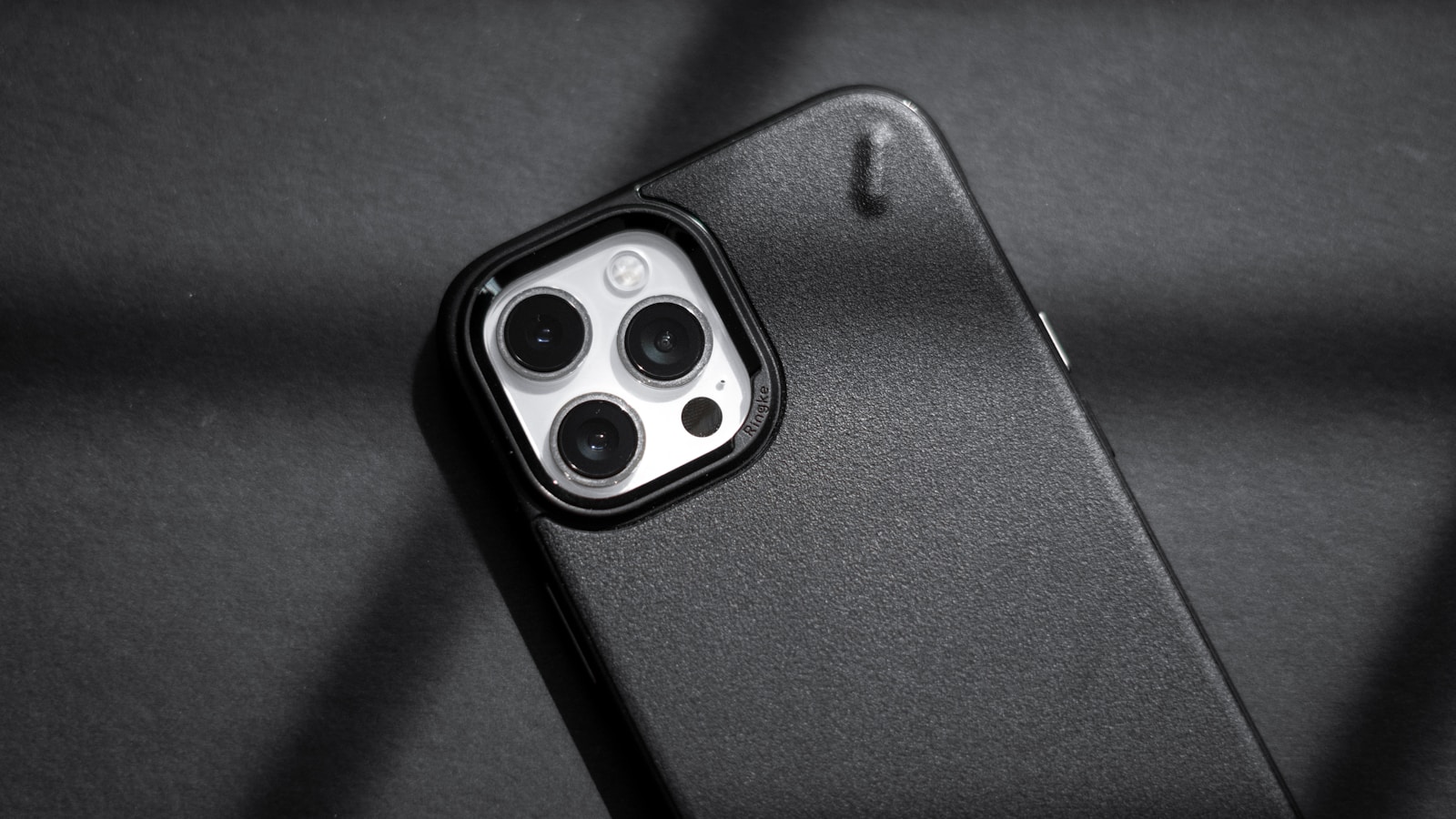
How to Clean Your iPhone Case (The Part Everyone Forgets)
Cleaning your phone but ignoring the case is like washing your hands and then putting on dirty gloves.
Here’s how to clean the most common types:
Silicone / TPU / Plastic cases
These are easiest:
Remove from the phone
Wash with warm water + a small drop of mild dish soap
Scrub gently with your hands or a soft cloth
Rinse thoroughly
Dry completely before putting it back on
Avoid harsh chemicals and rough sponges.
Leather cases
Leather is trickier because it can absorb moisture and stain. Use a dry or lightly damp cloth only. Avoid soaking.
Clear cases (that turn yellow)
Some yellowing is natural oxidation over time and can’t be fully reversed, but regular cleaning helps remove oils and grime that make discoloration look worse.
The Biggest iPhone Cleaning Mistakes to Avoid
Even careful people accidentally ruin their phone’s coating or finish by doing one of these:
1) Spraying cleaner directly onto the phone
Always apply liquid to the cloth—not the phone.
2) Using window cleaner or Lysol-type household sprays
Apple specifically warns against household cleaners, aerosol sprays, solvents, and abrasives.
3) Using bleach or hydrogen peroxide products
These can damage finishes and coatings.
4) Scrubbing the screen aggressively
This wears down the oleophobic coating faster and can create micro-scratches.
5) Using a paper towel or rough fabric
A paper towel can feel soft, but it’s not designed for coated glass surfaces.
6) Cleaning while the phone is charging
Avoid it. Power off and unplug first.
Easy Ways to Clean Your Phone On the Go
You don’t always have time for a full deep clean, so you’ll need fast, practical habits you can do during your commute right after visiting family, friends, or public spaces.
Here are easy and realistic options.
1) Keep a microfiber cloth with you at all times (your #1 essential)
This is the most underrated solution.
A small cloth in your center console lets you quickly wipe:
fingerprints
makeup smudges
lens fog
screen oil
It takes 5 seconds and improves your day immediately.
Pro move: Keep a second microfiber cloth dedicated only to your camera lens.
2) Carry a few individually wrapped alcohol wipes
The easiest on-the-go disinfecting option is a single-use wipe you can grab quickly.
Look for:
70% isopropyl alcohol wipes, or 75% alcohol wipes (link below)
individually wrapped (they won’t dry out)
Public health guidance often references using 70%-75% alcohol for electronics when manufacturer instructions allow it.
3) Make “clean phone + clean hands” a pairing habit
If your hands are dirty, your clean phone won’t stay clean.
A simple routine:
sanitize your hands (or wash)
wipe your phone screen quickly
wipe your phone camera lens
This can be a 20-second reset anytime throughout the day.
4) Quick lens-clean trick before listing photos
Before you take photos or video:
breathe lightly on the lens (tiny fog)
wipe once with microfiber
Your photos will instantly look cleaner.
If you’ve ever wondered why your listing shots sometimes look “soft” even in good lighting… it’s often a smudged lens.
5) The “after lockbox” wipe
Lockboxes are touched constantly by different people in different weather.
After you’ve handled a lockbox, you’ve also likely touched:
your keys
your phone
your car steering wheel
Wipe your phone after lockbox use and you’ll cut down a major contamination loop.
6) Keep your phone out of your pocket (when possible)
Pockets are lint factories. Consider placing your phone in:
a clean crossbody bag pocket
a jacket inner pocket
a car mount between stops
Less lint in the charging port = fewer annoying charging issues.
A Simple Weekly iPhone Cleaning Schedule (That Actually Works)
If you want a realistic routine you’ll stick to, try this:
Daily (10 seconds)
microfiber wipe screen
quick lens wipe
2–3x per week (30 seconds)
disinfect exterior with an alcohol wipe
Weekly (5 minutes)
remove case + wash case
wipe phone edges + buttons
check charging port for visible lint (don’t poke it)
This is enough to keep your phone clean without obsessing over it.
Bonus Tips: Keep Your iPhone Cleaner Longer (Without More Work)
Cleaning is great, but prevention is easier.
Use a screen protector
A good screen protector is easier and safer to clean frequently than bare glass. It’s also cheaper to replace.
Consider a wipeable case
Some textured cases trap grime. Smooth, wipeable cases are easier to keep clean.
Don’t eat over your phone
Crumbs + grease + touchscreens = a mess. If you’re in your car between showings, try to keep food and phone separate.
Keep your phone off public surfaces
Avoid placing your iPhone on:
restroom counters
gym benches
waiting room tables
restaurant tables
Use your bag or keep it in your hand.
Frequently Asked Questions About Cleaning Your iPhone
Can I use disinfectant wipes on my iPhone?
Yes. Apple allows certain disinfecting methods, including gently wiping the exterior using 70% isopropyl alcohol wipes or 75% ethyl alcohol wipes, while avoiding moisture in openings.
Can I use hand sanitizer on my screen?
Don’t. Hand sanitizer usually contains additional ingredients (like moisturizers, perfumes, gels) that aren’t designed for screens and may leave residue or damage coatings.
Can I use Windex or glass cleaner?
No. Apple warns against window cleaners and household cleaners.
Should I use compressed air in the charging port?
Apple warns against using compressed air for cleaning.
If your port isn’t charging properly, it’s better to have it checked professionally than risk damaging internal components.
How often should I clean my phone?
If you work in real estate or you’re out in public all day, a quick wipe daily and a disinfecting wipe a few times per week is a reasonable baseline.
Conclusion: A Clean iPhone Is a Powerful Tool
Your iPhone is more than a phone, it’s your productivity device, your marketing camera, and your direct connection to the world.
Keeping it clean helps you:
look more professional
take sharper photos
reduce grime buildup and wear
avoid charging and audio issues
protect your device investment long-term
The best approach is simple:
microfiber cloth daily, alcohol wipe when needed, case cleaning weekly.
It’s fast, safe, and easy to maintain, especially when your days are packed with routines and work.
Ready to Make Your Next Move in Toronto Real Estate?
If you’re buying, selling, or just want expert guidance on Toronto neighbourhoods, market timing, and how to make a confident real estate decision, reach out to Fred Renna—Toronto real estate broker.
Whether you’re planning your next home upgrade or preparing to list, Fred can help you build a strategy that fits your goals and lifestyle.
This post may contain affiliate links. If you purchase through these links, I may earn a small commission at no extra cost to you.
Comments:
Post Your Comment: